Documentation Index
Fetch the complete documentation index at: https://www.thundercompute.com/docs/llms.txt
Use this file to discover all available pages before exploring further.
This guide runs a short text fine-tune in Unsloth Studio with unsloth/gemma-4-E2B-it. It is meant to prove the setup, dataset format, training path, and adapter output before you move to a larger dataset.
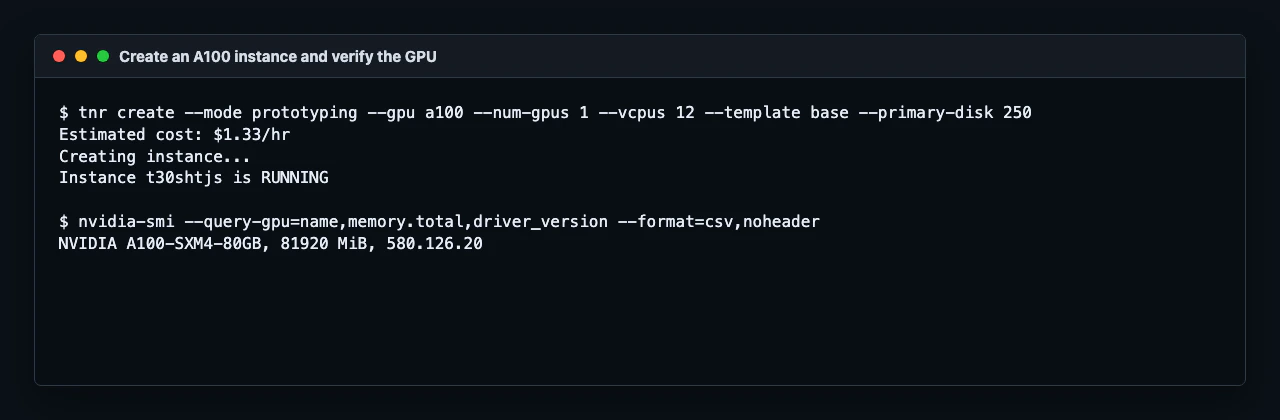
This setup path and Gemma 4 E2B QLoRA training profile were verified on a single Thunder Compute A100 80 GB instance with Unsloth Studio 2026.5.2. The sample dataset below is intentionally tiny so you can confirm the workflow before training on a real dataset.
Prerequisites
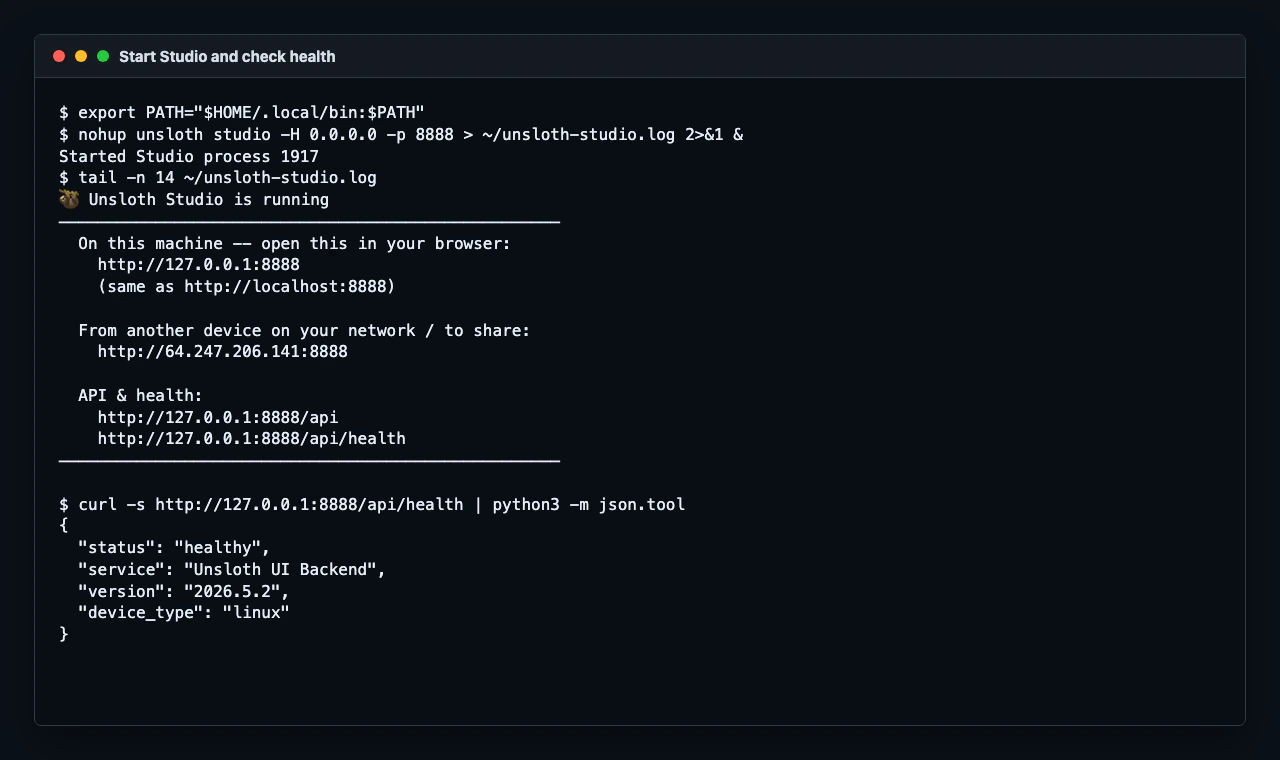
Complete Run Unsloth Studio first. You should have:
- A Thunder Compute GPU instance running Unsloth Studio
- Port
8888 forwarded to a public Thunder Compute URL
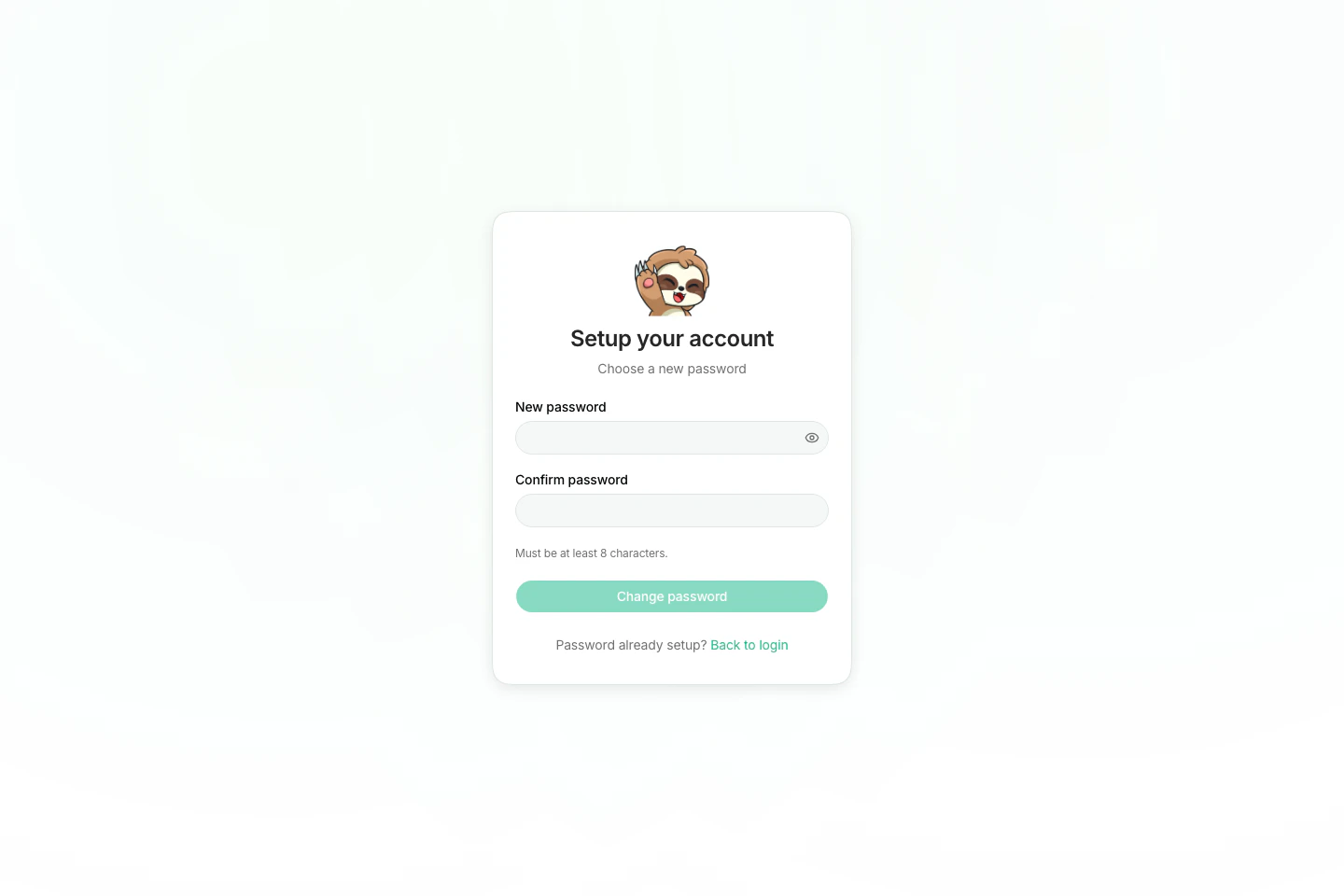
- Browser access to the Unsloth Studio
Train page
Choose a model
Use unsloth/gemma-4-E2B-it for the first run. It is current, small enough for a quick validation run, and available from the Unsloth model presets.
If you want to scale the same flow after the first run works, use a larger available GPU and choose a larger supported model such as unsloth/gemma-4-E4B-it. unsloth/Qwen3.5-2B is also available in Studio, but start with the Gemma 4 E2B path below to keep the first fine-tune simple.
Prepare a small dataset
Create a JSONL file in Alpaca format on the computer where your browser is open. Studio’s Upload button reads from your browser’s local filesystem, not from the SSH session on the instance.
Each line should contain instruction, input, and output fields. This demo trains the model to write compact plant-care cards in a consistent format:
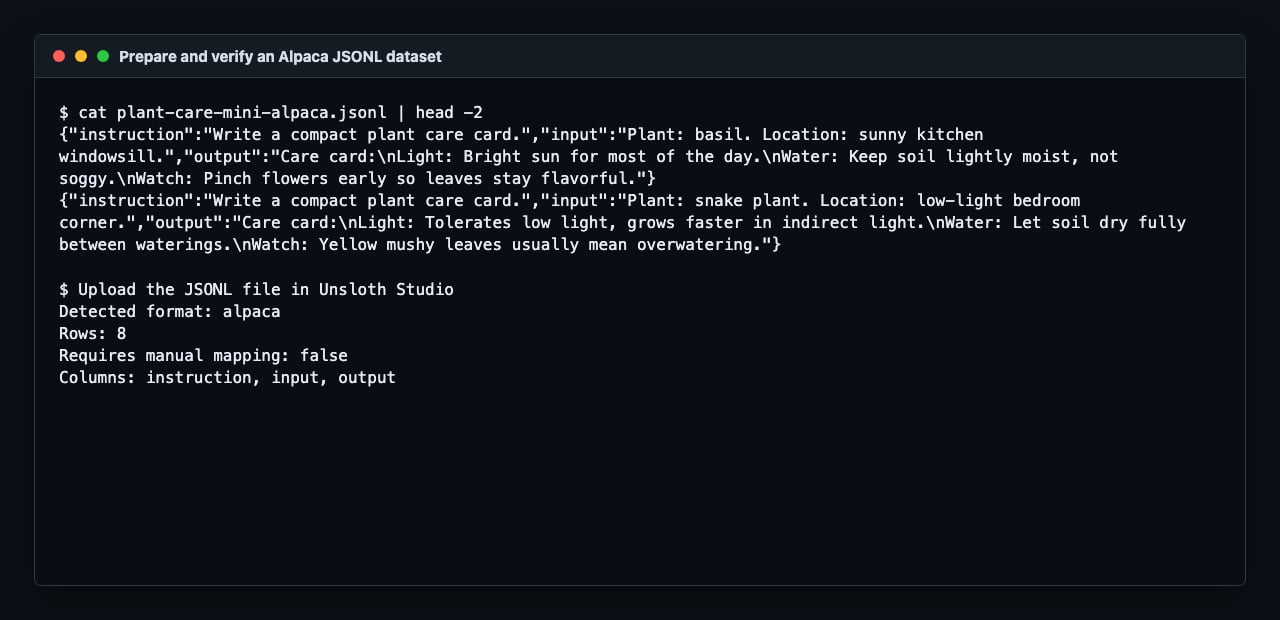
cat > plant-care-mini-alpaca.jsonl <<'EOF'
{"instruction":"Write a compact plant care card.","input":"Plant: basil. Location: sunny kitchen windowsill.","output":"Care card:\\nLight: Bright sun for most of the day.\\nWater: Keep soil lightly moist, not soggy.\\nWatch: Pinch flowers early so leaves stay flavorful."}
{"instruction":"Write a compact plant care card.","input":"Plant: snake plant. Location: low-light bedroom corner.","output":"Care card:\\nLight: Tolerates low light, grows faster in indirect light.\\nWater: Let soil dry fully between waterings.\\nWatch: Yellow mushy leaves usually mean overwatering."}
{"instruction":"Write a compact plant care card.","input":"Plant: pothos. Location: office shelf with indirect light.","output":"Care card:\\nLight: Medium indirect light is ideal.\\nWater: Water when the top inch of soil is dry.\\nWatch: Long bare vines can be trimmed to encourage fuller growth."}
{"instruction":"Write a compact plant care card.","input":"Plant: mint. Location: patio container with morning sun.","output":"Care card:\\nLight: Morning sun and afternoon shade work well.\\nWater: Keep soil evenly moist.\\nWatch: Grow mint in a pot so it does not take over nearby beds."}
{"instruction":"Write a compact plant care card.","input":"Plant: monstera. Location: bright living room away from direct sun.","output":"Care card:\\nLight: Bright indirect light encourages larger leaves.\\nWater: Water when the top two inches of soil dry out.\\nWatch: Give it a moss pole or support as it climbs."}
{"instruction":"Write a compact plant care card.","input":"Plant: aloe. Location: warm south-facing window.","output":"Care card:\\nLight: Strong bright light is best.\\nWater: Soak deeply, then let the soil dry out.\\nWatch: Soft translucent leaves usually mean too much water."}
{"instruction":"Write a compact plant care card.","input":"Plant: fern. Location: humid bathroom with filtered light.","output":"Care card:\\nLight: Filtered light, never harsh direct sun.\\nWater: Keep soil consistently damp.\\nWatch: Crispy tips often mean the air is too dry."}
{"instruction":"Write a compact plant care card.","input":"Plant: jade plant. Location: sunny desk near a window.","output":"Care card:\\nLight: Several hours of bright light help compact growth.\\nWater: Let the potting mix dry before watering again.\\nWatch: Wrinkled leaves can mean the plant is thirsty."}
EOF
This tiny file is only for setup validation. Use a larger, higher-quality dataset for a real fine-tune.
Upload the dataset
In Unsloth Studio:
- Open
Train.
- In
Dataset, click Upload.
- Select
plant-care-mini-alpaca.jsonl.
- Confirm Studio detects the format as
alpaca.
If Studio asks for manual mapping, map:
| Dataset column | Studio field |
|---|
instruction | instruction |
input | input |
output | output |
In the Model section:
| Setting | Value |
|---|
| Hugging Face Model | unsloth/gemma-4-E2B-it |
| Method | QLoRA (4-bit) |
| Hugging Face Token | Leave blank for this public model |
In the Parameters section:
| Setting | Value |
|---|
| Max Steps | 8 for the demo run |
| Context Length | 2048 |
| Learning Rate | 0.0002 |
| Batch Size | 2 |
| Gradient Accumulation | 4 |
| Optimizer | AdamW 8-bit |
| Gradient Checkpointing | unsloth |
In LoRA Settings:
| Setting | Value |
|---|
| LoRA Rank | 8 |
| LoRA Alpha | 8 |
| LoRA Dropout | 0 |
| Target Modules | all-linear |
| Fine-tune Vision Layers | Off for this text-only dataset |
| Fine-tune Language Layers | On |
| Fine-tune Attention Modules | On |
| Fine-tune MLP Modules | On |
For a real run, increase Max Steps or switch to epochs after the first validation run succeeds. Keep the first run short so you can catch dataset or setup issues quickly.
Start training
Click Start Training. The first run may spend a few minutes downloading model weights and initializing kernels before the step counter starts moving.
When the run completes, Studio shows the output path and enables Compare in Chat and Export Model.
Successful runs save the adapter to a path like:
~/.unsloth/studio/outputs/unsloth_gemma-4-E2B-it_<timestamp>
Keep the adapter folder and the base model name together. A LoRA adapter is not a standalone model; it is loaded alongside the base model it was trained from.
Test the adapter
Click Compare in Chat after training finishes. Studio opens the base model and fine-tuned adapter side by side.
Try a prompt that matches the dataset pattern but was not copied directly from the training rows:
Write a compact plant care card.
Plant: rosemary. Location: hot balcony with afternoon sun.
For this setup dataset, look for the fine-tuned side to follow the Care card, Light, Water, and Watch structure. Treat this as a workflow check, not a quality benchmark. For a real adapter, expand the dataset and test with prompts that represent the task you actually need.
Clean up
When you are done testing:
pkill -f "unsloth studio"
exit
Then delete the instance from your local terminal:
Billing stops when the instance is deleted.
References